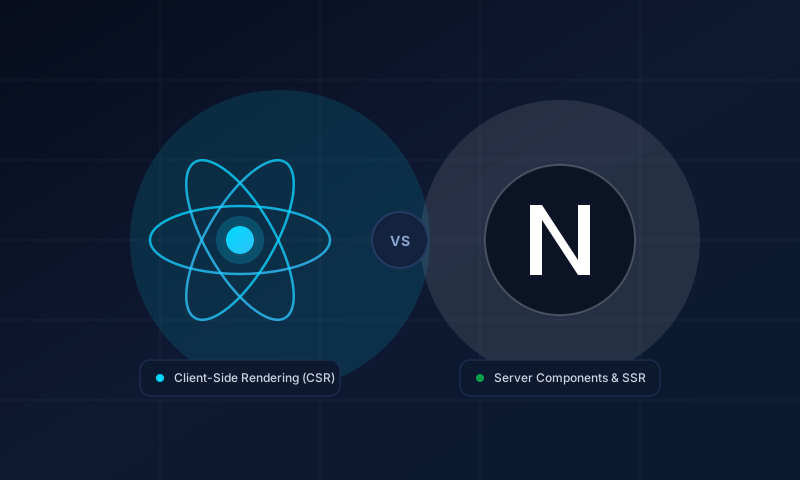
"Next.js or React?" is a common question, but it compares two different kinds of thing. React is a library for building user interfaces. Next.js is a framework that is built on React and adds the pieces a full website needs. You do not choose one instead of the other: with Next.js you are still writing React.
The real question is whether you want to assemble those extra pieces yourself or start from a framework that includes them.
What React gives you
React handles the view layer. You describe the interface as components, and React updates the page when your data changes. It does not decide how you route between pages, where your code runs, how you fetch data or how you ship to production. For those, you choose other tools.
That freedom is useful for apps that live entirely in the browser, such as an internal dashboard behind a login, where search engine visibility does not matter.
What Next.js adds
Next.js includes decisions React leaves open:
- Routing based on the folder structure in the
appdirectory. - Rendering options, including static generation, server rendering and incremental regeneration.
- Server Components, which run on the server and send less JavaScript to the browser.
- Built-in optimisation for images, fonts and scripts.
- Metadata and SEO helpers for titles, descriptions, sitemaps and social previews.
- API endpoints through route handlers, so a small backend can live in the same project.
Side by side
| Area | React on its own | Next.js |
|---|---|---|
| Type | UI library | Framework built on React |
| Routing | Add a router library | Built in, file based |
| First page load | Usually renders in the browser | Can render HTML on the server or at build time |
| SEO | Needs extra setup | Metadata and server rendering built in |
| Backend code | Separate project | Route handlers in the same project |
| Setup effort | You assemble the toolchain | Conventions provided |
Performance and SEO
A browser-only React app sends JavaScript first and builds the page on the visitor's device. That can delay what people see and gives crawlers less to read on the first request.
Next.js can send finished HTML. Pages that do not change per visitor can be generated ahead of time and served quickly, and Server Components keep code that only displays content out of the browser bundle. For marketing sites, blogs and tool pages that should be found through search, this is the main reason teams choose it.
Performance still depends on how you build. A heavy page is heavy in either option, so measure with real tools instead of assuming.
When to choose which
Choose Next.js when:
- the site needs to be found through search, such as a company site, blog or catalogue;
- you want fast first loads and server-side data fetching;
- you prefer a conventional structure that new developers can follow.
Choose React on its own when:
- the product is an application behind a login where SEO is irrelevant;
- you need to embed React into an existing page or another system;
- you have specific tooling requirements a framework would get in the way of.
Our take
For most business websites that also need a blog and some interactive tools, Next.js removes a lot of setup work and gives good defaults. If you are unsure, start with the requirements: who needs to find the site, how quickly pages must load, and who will maintain the code. The answer usually points clearly in one direction.
Not sure which fits your project? Get in touch and describe what you are building.